解决svn log显示no author,no date的方法
浏览量:1059
一、问题描述
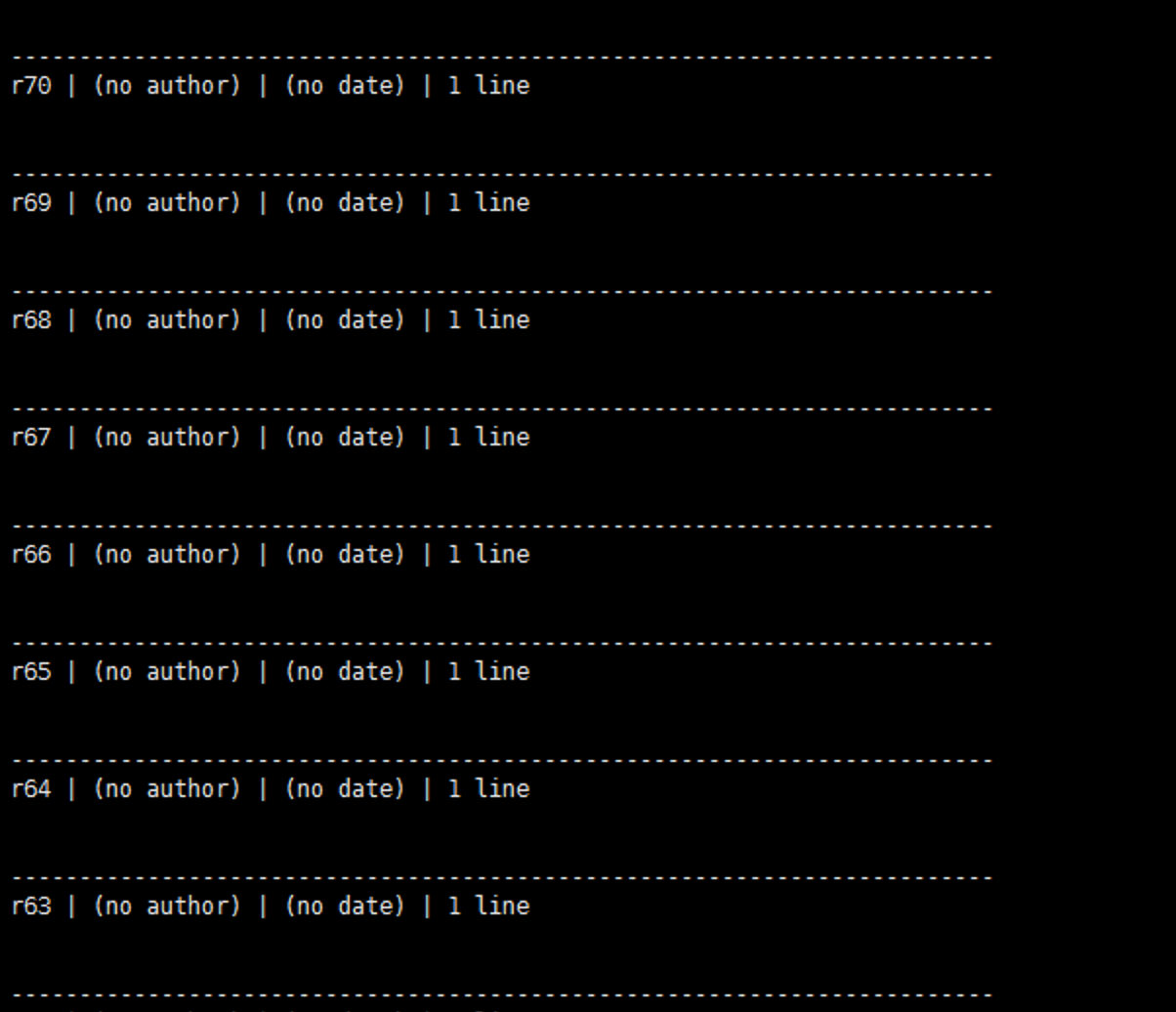
svn代码仓库从A到B合并后通过svn log命令查看日志信息显示
(no author) | (no date) | 1 line
二、解决
将svnserve.conf配置文件里面的配置改成none
### and "none".  The sample settings below are the defaults.
anon-access = none
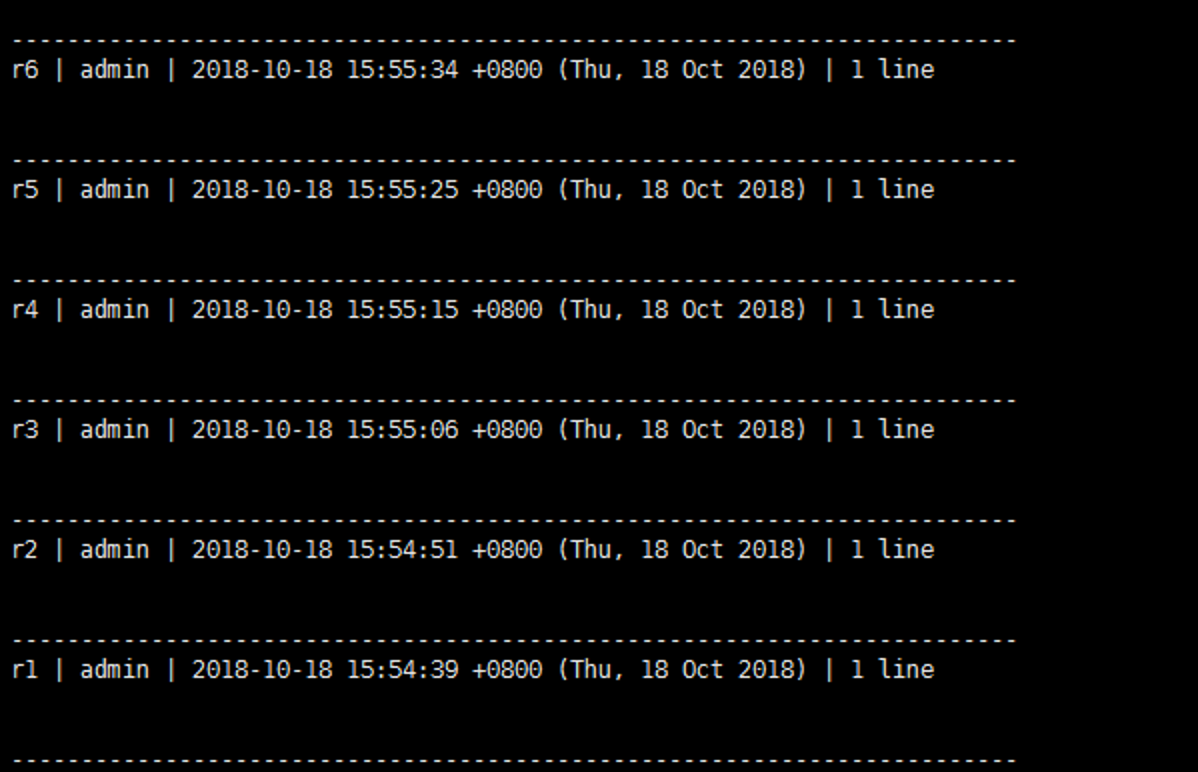
然后通过svn log日志显示正常

一、问题描述
svn代码仓库从A到B合并后通过svn log命令查看日志信息显示
(no author) | (no date) | 1 line
二、解决
将svnserve.conf配置文件里面的配置改成none
### and "none". The sample settings below are the defaults. anon-access = none
然后通过svn log日志显示正常
神回复
发表评论:
◎欢迎参与讨论,请在这里发表您的看法、交流您的观点。